
Already use the Neo pod at
pod.neoagent.io? It keeps working. Its setup stays on ConnectWise Pod.Add the panel in ConnectWise
1
Open Manage Hosted API
In ConnectWise, go to System → Setup Tables, pick the category General, and open Manage Hosted API.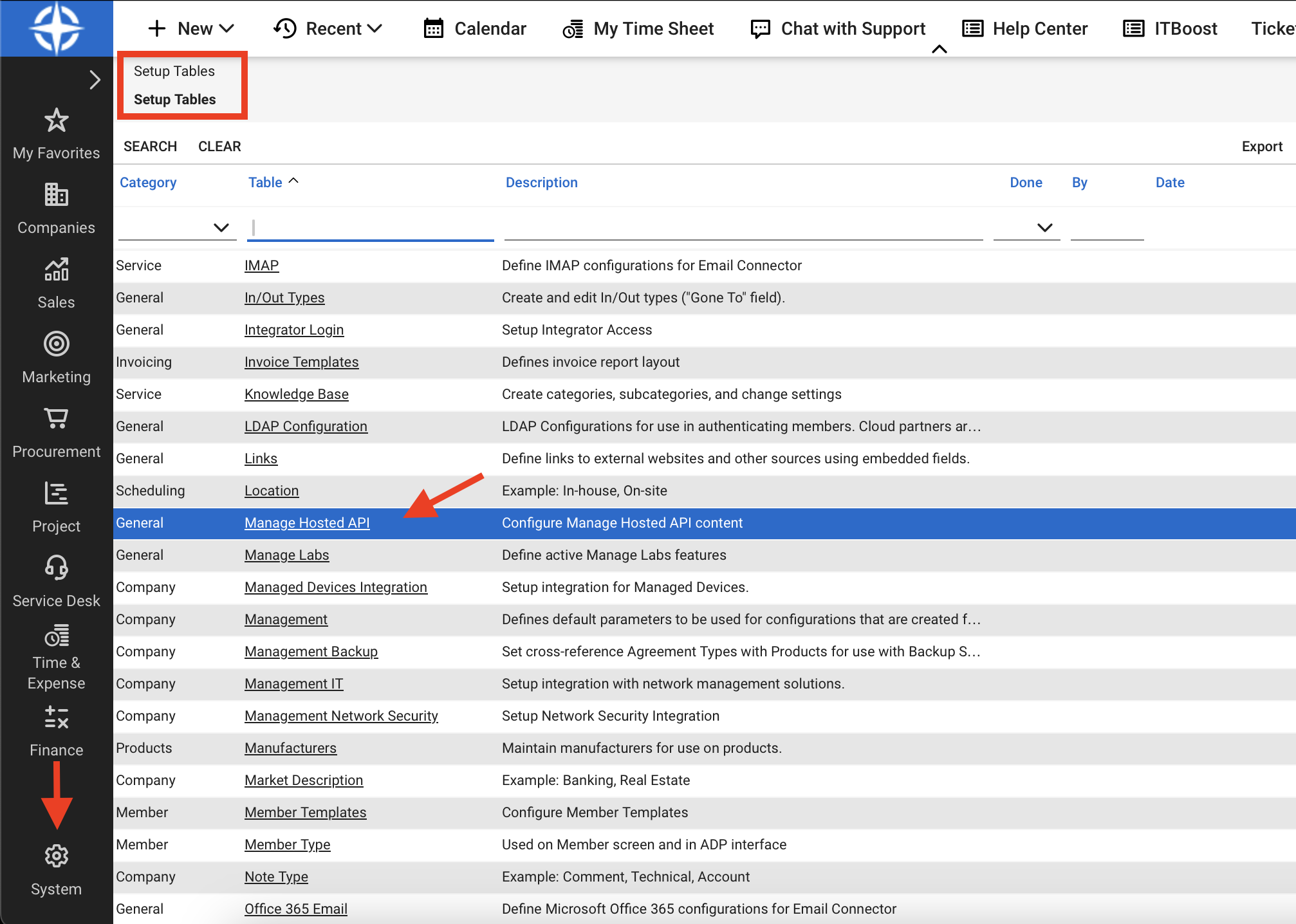
2
Add a row
Click + and fill in the row: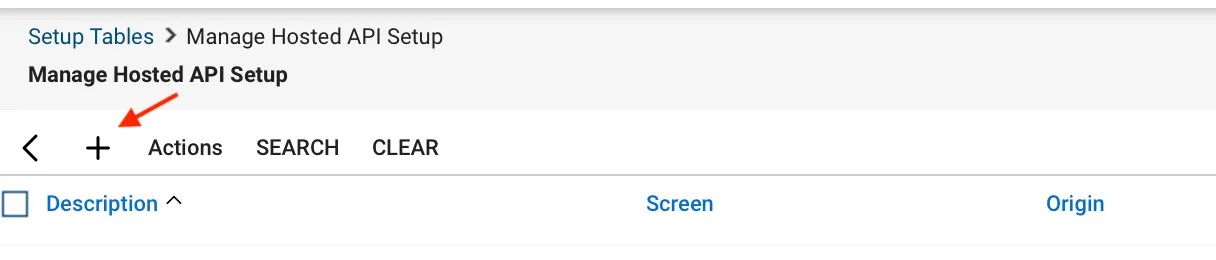
3
Save and open a ticket
Save the row, then open a service ticket. The panel signs in with the technician’s ConnectWise session. It asks for no other sign-in.
What each technician sees
The panel matches the ConnectWise member to a Neo technician, then to a Neo dashboard user by the technician’s Microsoft account or the member’s email.
Approvals follow the same rule as the Approvals page. To give a technician approvals, invite them under Roles & Access with the email they use in ConnectWise.