
What technicians use internal chat agents for
An Internal chat agent carries your full MSP toolbox, so builds span the whole service desk. Five patterns cover most of them:
A sixth thing technicians want — a self-service helper for your own Neo setup — you already have in the Neo Support Agent.
Create the agent
1
Create
Go to Chat → New Chat Agent (or create an agent in chat mode). There is no Triggers & Filters step — chat agents start when someone messages them.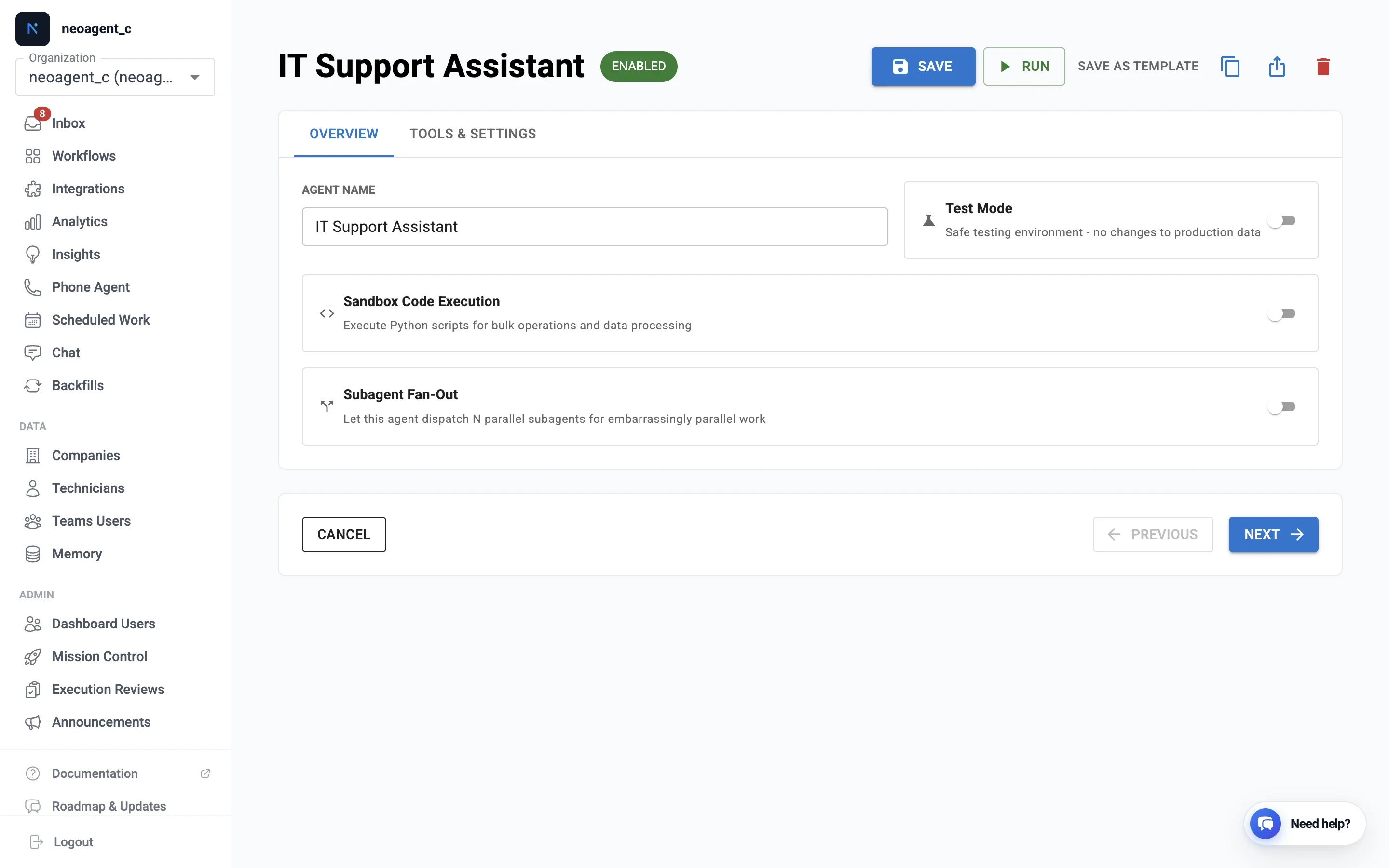
2
Set the audience
Pick the agent’s Audience — it’s fixed once set and shapes everything below:
- Internal — for your own technicians. Carries your full MSP toolbox (PSA, RMM, Microsoft 365, cross-company lookups). Runs in the dashboard, as a custom internal Teams bot, and is also what the Neo Support Agent is.
- End-user — for your clients’ employees. A deliberately narrow, company-scoped tool set, served through a branded end-user bot in Teams or Slack. See how end-user bots work.
3
Write instructions
Custom instructions define the agent’s job, tone, and limits. Be explicit about what it should refuse and when to ask a technician. If end users will talk to it, write for them — not for your technicians. See Writing effective agent instructions for the full guide.
4
Enable tools and permissions
Pick tools and set per-integration permissions exactly as for other agents. Enable the minimum the job needs — every enabled write permission is reachable from a chat message. Internal chat bills per tool call, not once per turn. Skills under Built-in Capabilities are free to load; the tools they use are not. See Tool credit costs.
5
Test in the dashboard
Chat with it on the Chat page before exposing it anywhere. With test mode on, the agent describes side-effecting actions in its reply instead of performing them. Test mode does not stop credit spend — each tool call still bills.To come back and edit an agent later, click Configure on its row in Chat → Agents. The Neo Support Agent has no Configure — Neo manages its configuration.
Settings that work differently in chat
PSA records carry the technician’s name
When a technician asks an internal chat agent to create something in your PSA, that record is attributed to them, not to Neo — a time entry lands on their timesheet, a ticket and its notes carry their name. Nothing to switch on: it applies wherever Neo can tell who is asking. This is what makes Teams usable as a quick time-entry front end: “log 20 minutes on T20260729.0031, replaced the switch” from a phone, credited to the right person. Neo identifies the technician from their signed-in identity — their Microsoft account in Teams, or their dashboard login on the web — never from anything they type, so it can’t be talked into logging time as someone else. Either way the person needs to be mapped under Microsoft Teams — Technician Mapping, which is also what makes “assign this ticket to me” work. Anyone unmapped isn’t blocked: their record is created as Neo, and the agent tells them so in its reply, so it can be reassigned and mapped for next time. What gets attributed
Three things to know:
- Creating, not changing. A status change, a reassignment or a close on an existing ticket stays recorded as Neo — PSAs attribute an edit to whoever’s credentials made the call, and only offer attribution on new records.
- Automations are never attributed. Only chat turns driven by a person are. Anything Neo does on its own — a triage agent, a scheduled sweep — stays visibly Neo’s work, so your audit trail still shows what was automated.
- These records behave like a technician’s. A note attributed to a technician is, as far as your PSA is concerned, a technician’s note: it fires your “technician added a note” automations, and on a client-facing note your end user sees the technician’s name. Notes Neo writes as itself stay recognisably Neo’s.
In a Teams channel thread
When you @mention the agent in a reply under a channel post, Teams hands it your reply and nothing else — not the post the thread hangs under. So the agent also reads that original post and treats it as context for the turn, including any screenshot pasted into it. “@Neo create a ticket with this” under a form submission works without you re-typing the form. A few things to know:- It reads the post once per thread, on the first message that mentions the agent there. Everything after that is already in the conversation.
- Each thread is its own conversation. Mention the agent in a different thread and it starts fresh — the same as opening a new chat.
- It reads the post that started the thread, not the other replies in between. If a detail lives in a mid-thread reply, quote that reply when you mention the agent.
What has to be permitted, and by whom
Reading the surrounding conversation is permitted per team, by an owner of that team, at the moment the app is added to it. It is not covered by the one-time admin consent that installed the app, because it is a stronger thing to ask for: it lets the agent read messages in that team’s channels, not only the ones that mention it.
The permission prompt appears at that second step and names your app — your branding, not Neo’s. Whoever accepts it is telling you they’re happy for the agent to read that team’s channel messages, so it’s worth them knowing what they’re agreeing to.
A team that already has the app doesn’t pick up the reading permission on its own. Updating the app (Publish update) updates what a new team sees when it’s added — it doesn’t reach a team that added the app earlier. For those, an owner of that team needs to remove the app and add it back: Teams → Manage team → Apps → find the app → Remove, then Add it again. That re-triggers the permission prompt, and accepting it turns the reading on for that team. Until then the agent still answers normally — it just won’t see the post above.If the team belongs to your client, so does the owner. For a client-facing (end-user) agent the app lives in your client’s Microsoft 365 tenant, so the team owners are their people, not yours — you can’t do this step for them from the dashboard. Worth folding into the same conversation where you introduce the agent.
Who can chat with the agent
By default every chat agent is open to your whole team. An admin can change who may message a specific agent from Roles & Access → Chat Agent Access:
The Specific people picker lists people who hold a membership. A technician who only uses Microsoft Teams needs one first. Add them through Add technicians with the Chat only role: no dashboard access, no email.
Only admins can change this, and it controls messaging only — not who can see or edit the agent’s configuration, and not what company data the agent may use for each person. That second question is AI chat data access, set per person, so you do not need Admins only to keep your PSA or documentation private. It applies to every internal chat agent, including the Neo Support Agent. (End-user agents served through a channel are governed by that channel instead.)
Per-client instructions for end-user agents
If the agent serves end users through a channel, give a client its own rules with Memory: create a memory scoped to that company and set its audience to Chat agents — External. Neo applies it whenever a user from that company is talking — use it for company-specific policies, escalation contacts, or tone. Pin it if it should apply to every conversation; leave it unpinned if the conversation itself will bring it up.The old Chat Instructions box on a company record is retired and no longer read. If you set one before, its text was carried over into Memory for you — you’ll find it on the Memory page, scoped to that company.
Before going live
- Require Technician-in-the-Loop on write permissions.
- For end-user-facing agents, prefer read-only permissions plus “create a ticket” over direct writes.
- Test the agent as an end-client at a chosen company before you roll the bot out — you’ll see its per-company instructions and end-user tools exactly as that company’s users will, without installing anything.
- Share a read-only preview with the client before rollout — a public, no-login link that shows what the assistant does, with sensitive values masked.