
What it is
Phone Agent centralizes call details, transcripts, and related tickets.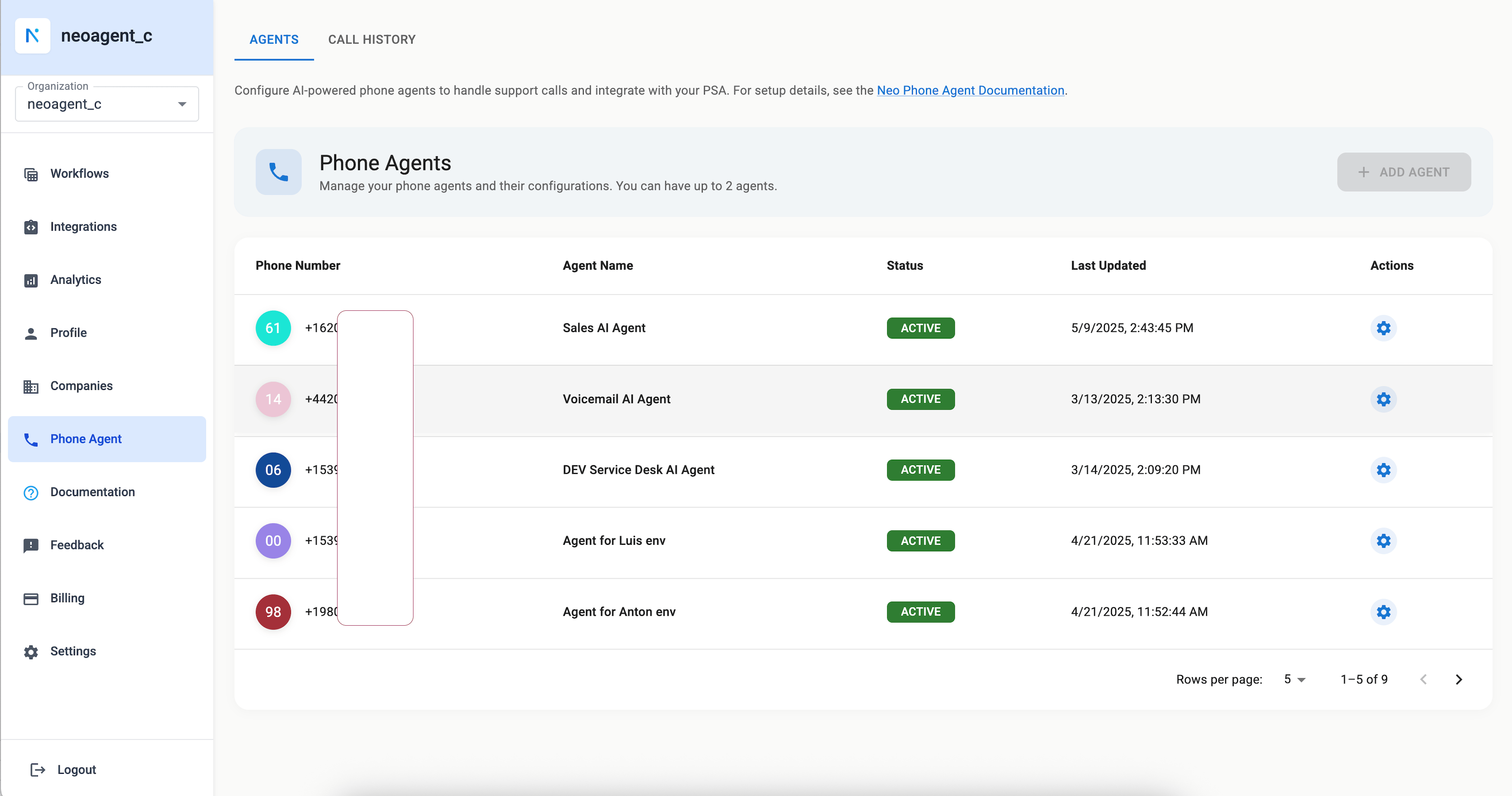
Key views
- Call details with transcript and recording
- Linked tickets and entities
- Agent and PSA settings
Filter and export calls
Filters in Call History narrows the list by agent, status, outcome (created a ticket, created no ticket, or transferred), sentiment, date range and phone number. The dates are whole days in your browser’s time zone. Export CSV downloads every call the filters and the search keep, on every page, as one spreadsheet: one row per call, with the agent, both numbers, the start and end times in UTC, the duration, the status, the sentiment, the tickets with their links, the transfer and the full transcript. To pull one agent’s transcripts for a month, pick the agent and the dates in Filters, then click Export CSV. Recordings are not in the file; download each one from its call’s details.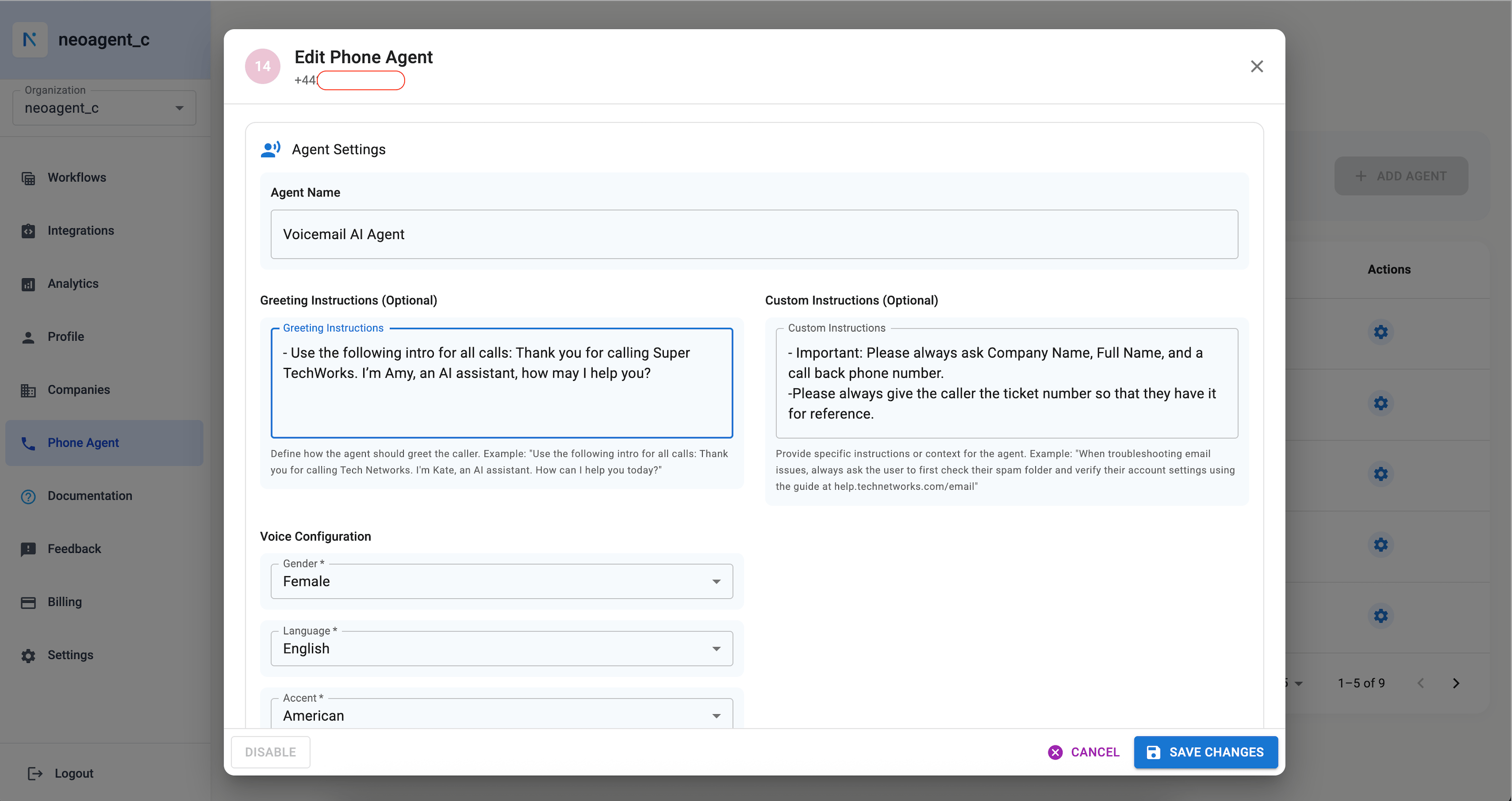
What lands on the ticket
Every ticket Phone Agent creates opens with a caller-identity header:Company and Contact lines appear when the agent knows the caller’s company and name. The Identity line says how the agent matched the caller to a contact in your PSA:
- Identified by caller ID: the number they called from belongs to exactly one contact.
- Identified by name (not verified): the caller said their company and name, and both matched your PSA.
- Not matched to a PSA contact: neither worked, so the
Contactline, when present, is only the name the caller gave.
How many numbers you can have
Each account can hold up to three active phone numbers. The Add Agent button turns off once you reach that number. Contact support if you need more. A number shows as Inactive when you switched it off yourself, Paused when nothing is paying for it at the moment, and Released once the carrier has taken it back. None of the three answers a call, and none counts toward your three, so you can buy a replacement straight away. Adding a number needs an active Phone Agent subscription. If the add-on is part of your plan, it shows on your Billing page as a Phone Agent subscription at no extra charge.What happens when your Phone Agent ends
Your numbers stop taking calls as soon as nothing pays for them — your Phone Agent subscription ends, your Neo plan ends, your trial runs out, or your account is switched off. They show as Paused, and callers do not reach your agent. You keep those numbers for 14 days. Start paying again inside that time and they begin answering by themselves within a few minutes, with the same numbers. You do not need to buy anything or ask us to restore them. Once a number shows as Released it is gone. You can still use the Phone Agent by paying again, but you would get a new number. Switching a number off yourself is different again. That is a pause you control — the number stays yours for as long as your Phone Agent subscription runs, no clock starts, and you can switch it back on whenever you like.Verification
Place a test call and confirm a call record appears with transcript and linked ticket.