> ## Documentation Index
> Fetch the complete documentation index at: https://docs.neoagent.io/llms.txt
> Use this file to discover all available pages before exploring further.
# Inbox
> Triage and act on conversations quickly with focused views and shortcuts
## What Inbox does
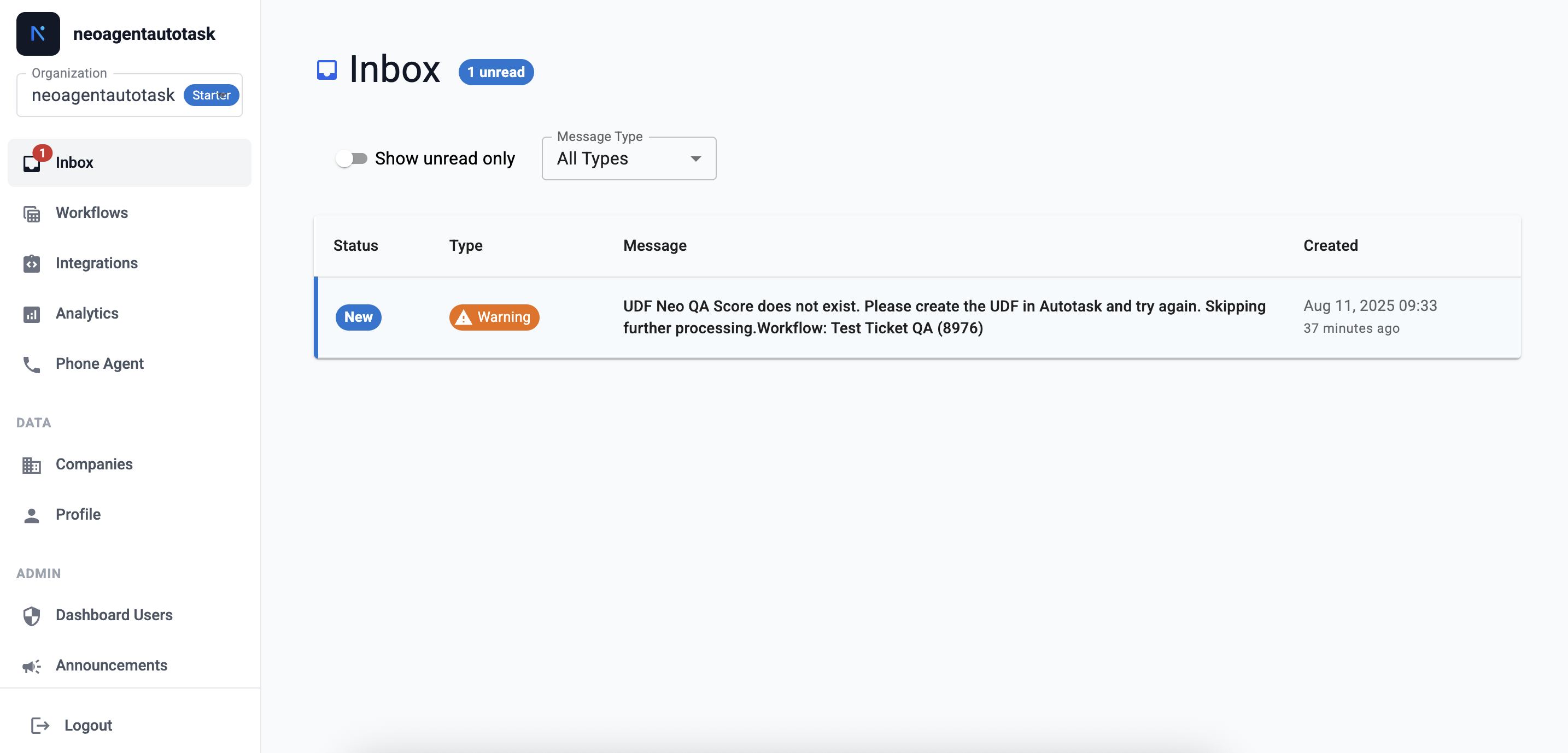
Neo Agent's Inbox is your centralized place to see important account notifications and action items. It collects system notices, configuration prompts, and follow-ups so your team doesn’t miss anything that needs attention.
 ## Message Details
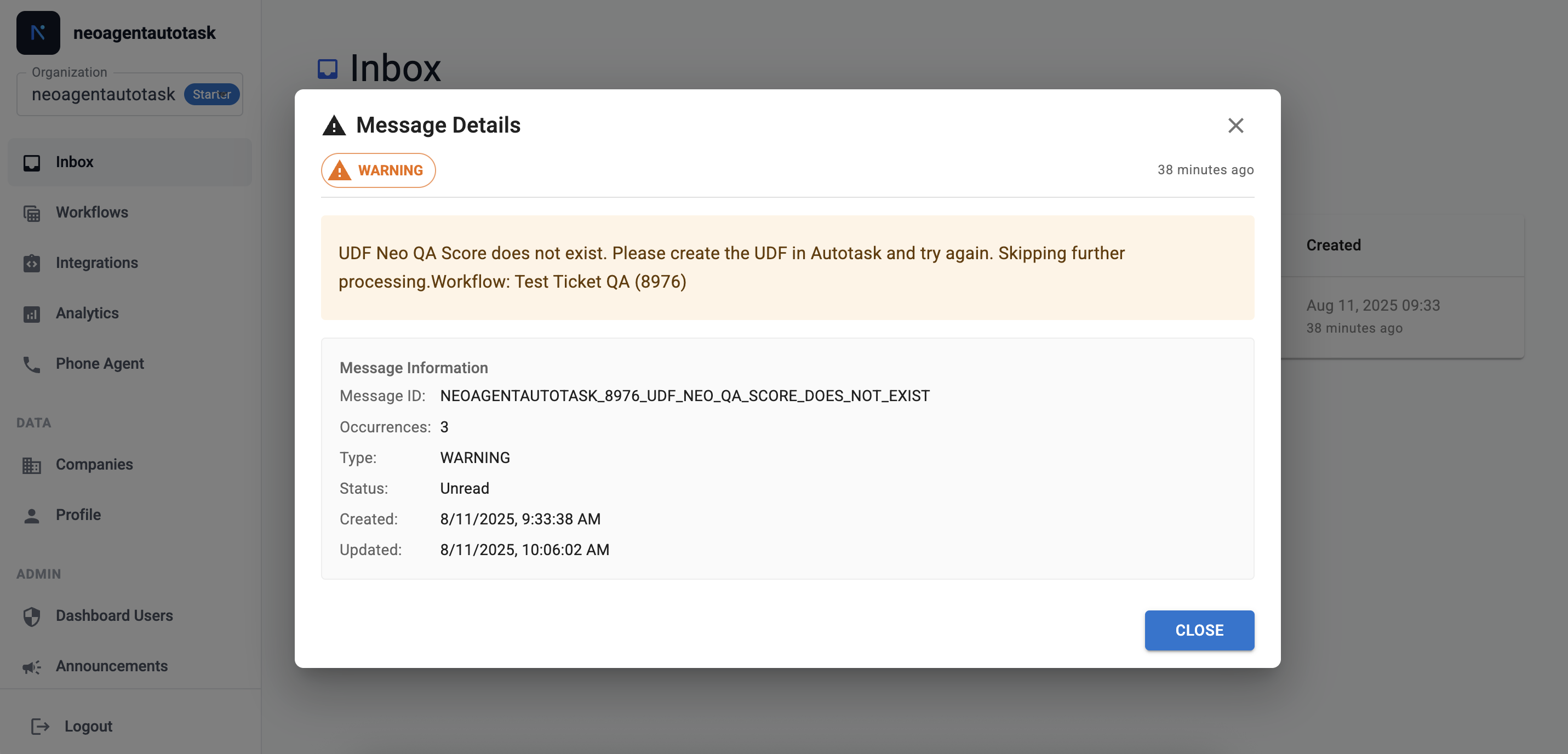
You can open a message to view the full context and next steps. There are a 4 types of messages that you should be aware of:
* **Info:** General informational updates that help you stay aware of changes or results.
* **Warning:** Potential issues that may require a review or follow-up soon.
* **Error:** Failures that prevented an action from completing and likely need intervention.
* **Action Required:** Items that explicitly need your confirmation, input, or a quick configuration change.
## Message Details
You can open a message to view the full context and next steps. There are a 4 types of messages that you should be aware of:
* **Info:** General informational updates that help you stay aware of changes or results.
* **Warning:** Potential issues that may require a review or follow-up soon.
* **Error:** Failures that prevented an action from completing and likely need intervention.
* **Action Required:** Items that explicitly need your confirmation, input, or a quick configuration change.